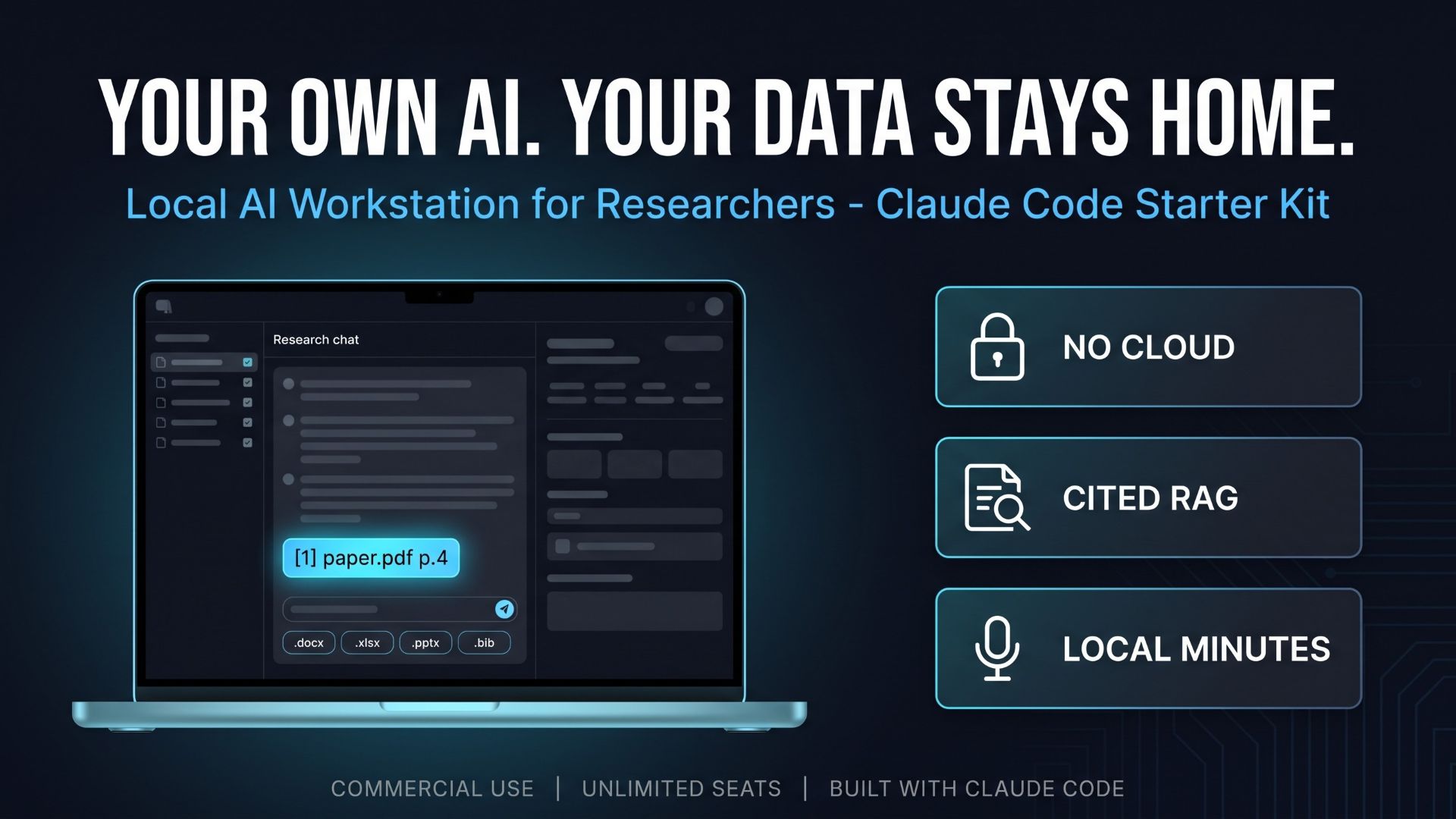
“The free local chat apps are safe, but all they do is chat.” “Cloud AI is off the table. Compliance said no.” “We asked a vendor, and the quote came back with five figures.”
Those are the three walls I hear most often when a lab, an R&D group or a regulated team tries to put AI to work on its own documents. This kit is a third way past all three: you build the tool yourself, with Claude Code, from a specification that has already been written and tested. This article explains what the kit builds, why it is a kit and not a finished product, and what you should know before you buy.
- 1. Three walls that stop AI adoption in labs and R&D teams
- 2. What the finished app does
- 3. Why a build kit instead of a finished product
- 4. Security you can verify: “nothing leaves the machine” is a test, not a slogan
- 5. What is in the box
- 6. From build to tests to manual: three ways to use the kit
- 7. Price, license and support
- 8. Read this before you buy
- 9. Get the kit on Gumroad
1. Three walls that stop AI adoption in labs and R&D teams
- You cannot paste your data into a cloud AI. Unpublished results, grant drafts, interview recordings, patient or client records. Legal, IT security or the IRB said no, and they were right to.
- Free local chat apps stop at chat. You installed Ollama, it works, and that is where it ends. You want to drop in a folder of PDFs, get answers that cite page numbers, and send the result straight to Word. None of that comes out of the box.
- Building it yourself stalls at the hard parts. You read an “Ollama + RAG” tutorial, then stop at chunking, the vector store, and making a citation actually point to the right page of the right PDF.
- A custom build from a vendor typically comes back as a five-figure quote, with requirements workshops before anyone writes a line of code.
If even one of those sounds familiar, the kit is worth fifteen minutes of your attention.
2. What the finished app does
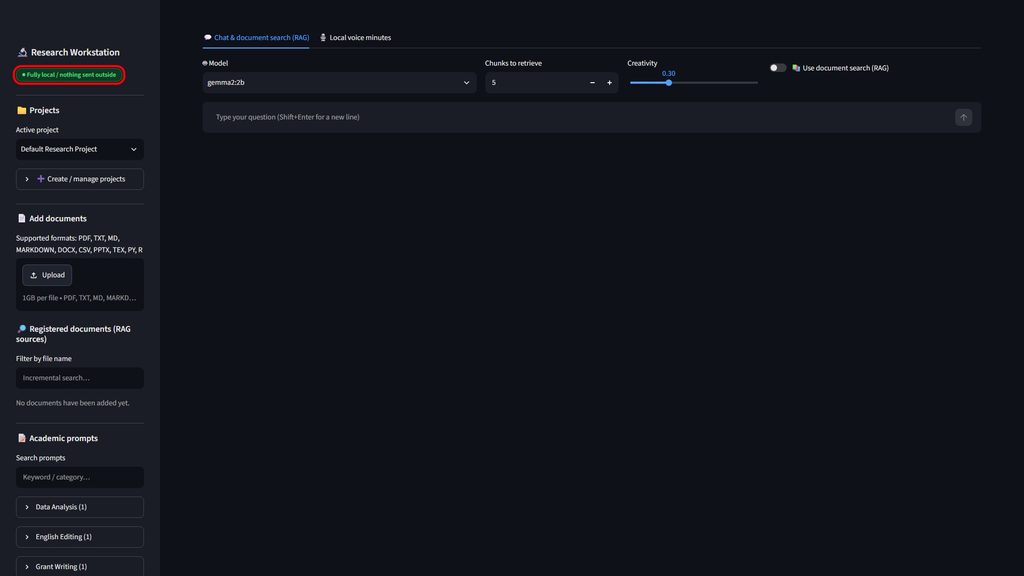
What the prompts and the reference code build is a Streamlit web app that runs in your browser, on your own PC, under the title “Research Workstation (Local)”. Inference, embeddings and transcription all happen on that machine. The sidebar carries a badge that says exactly that: “● Fully local / nothing sent outside”.
Tab 1: “💬 Chat & document search (RAG)”
- Register documents in nine formats, PDF, TXT, MD, DOCX, CSV, PPTX, TEX, PY and R, and index them in a local ChromaDB store. Embeddings come from Ollama’s
nomic-embed-textmodel, never from a remote API. - Answers end with numbered citations such as
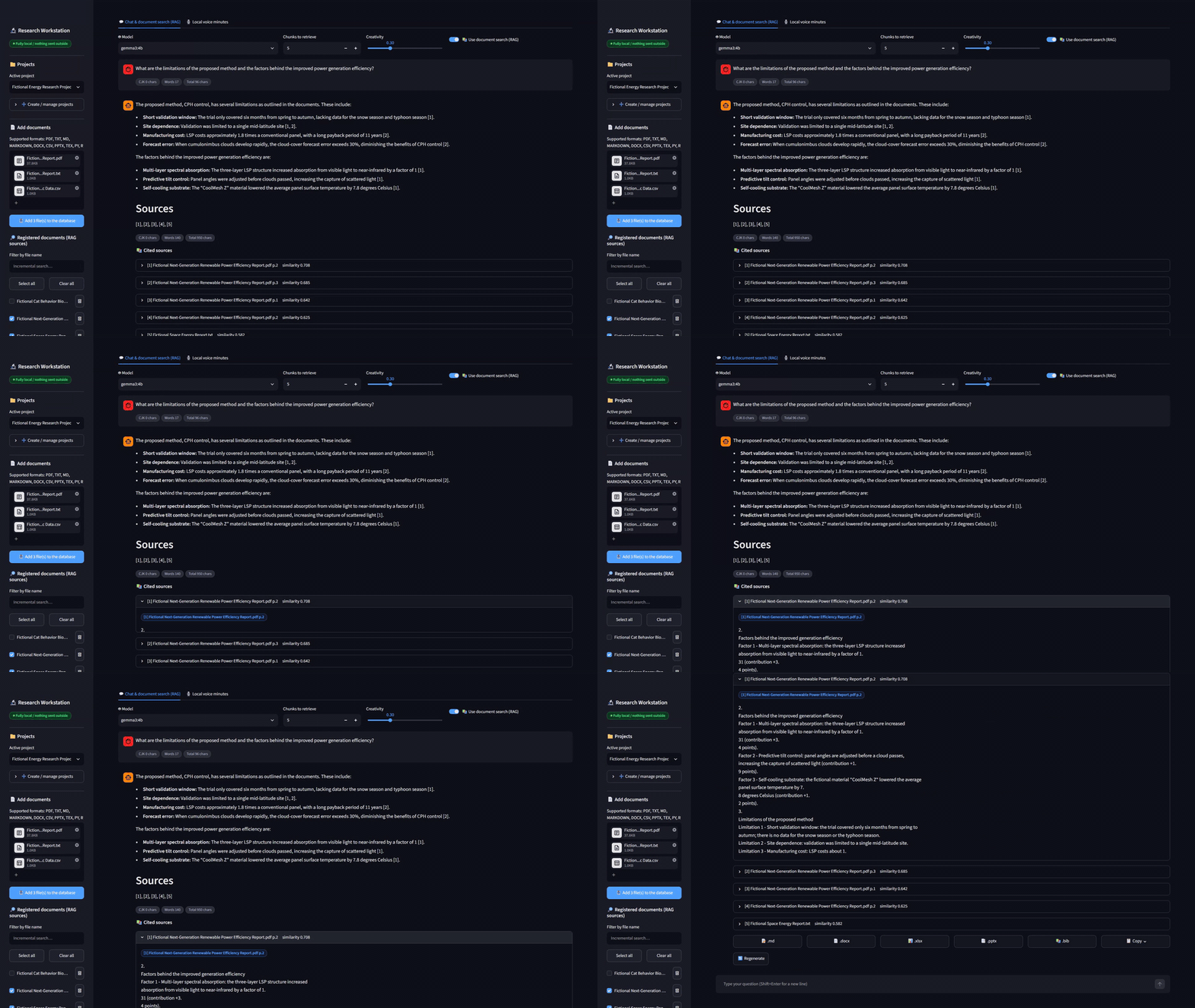
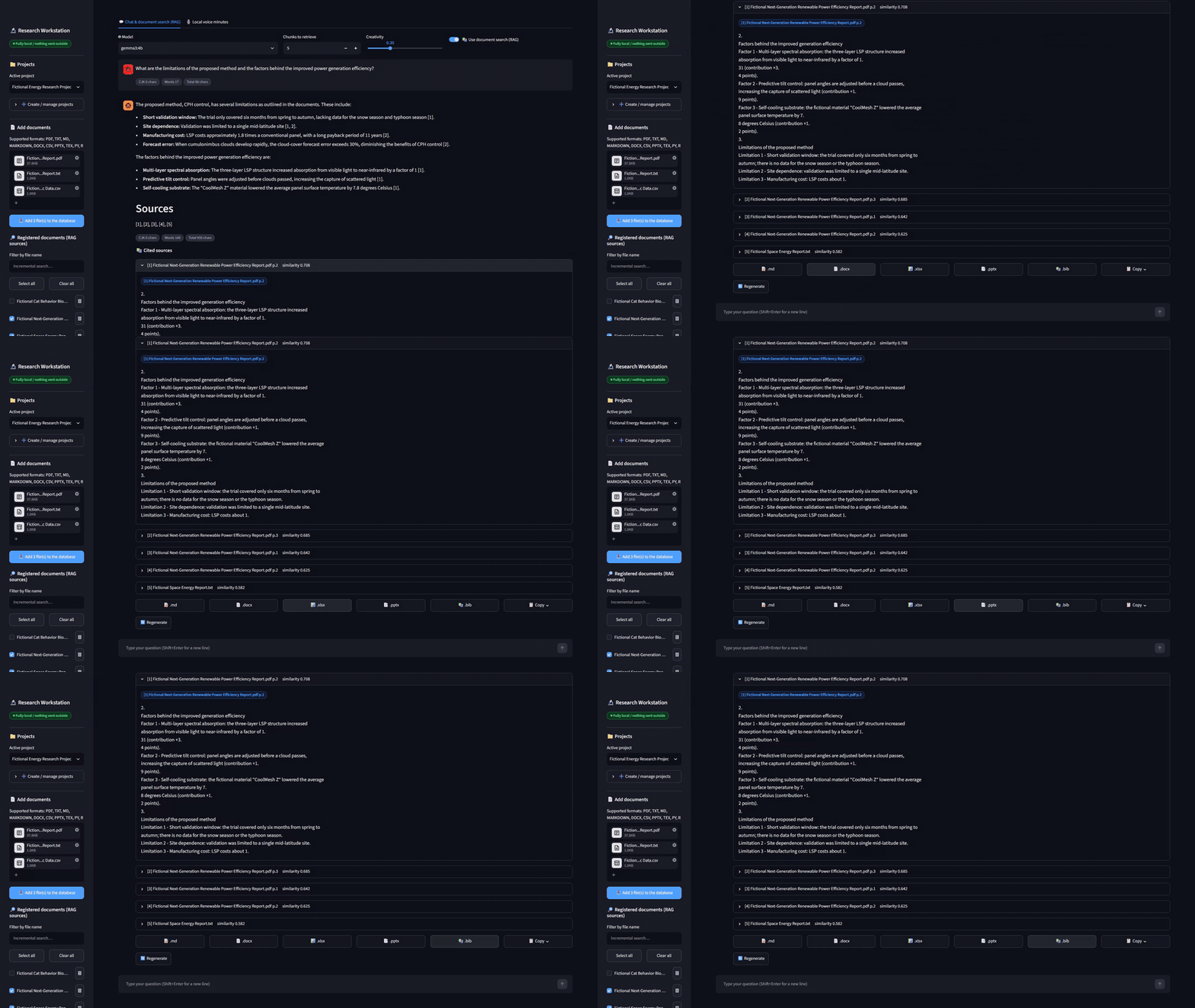
[1] paper.pdf p.4. One click on the “📚 Cited sources” expander shows the exact passage the answer was built from. - A checkbox per registered file, with “Select all”, “Clear all” and a filename search, lets you scope a question to three of your two hundred documents. A caption reads “✓ In scope: n / m file(s)”, so you always know what the model can see.
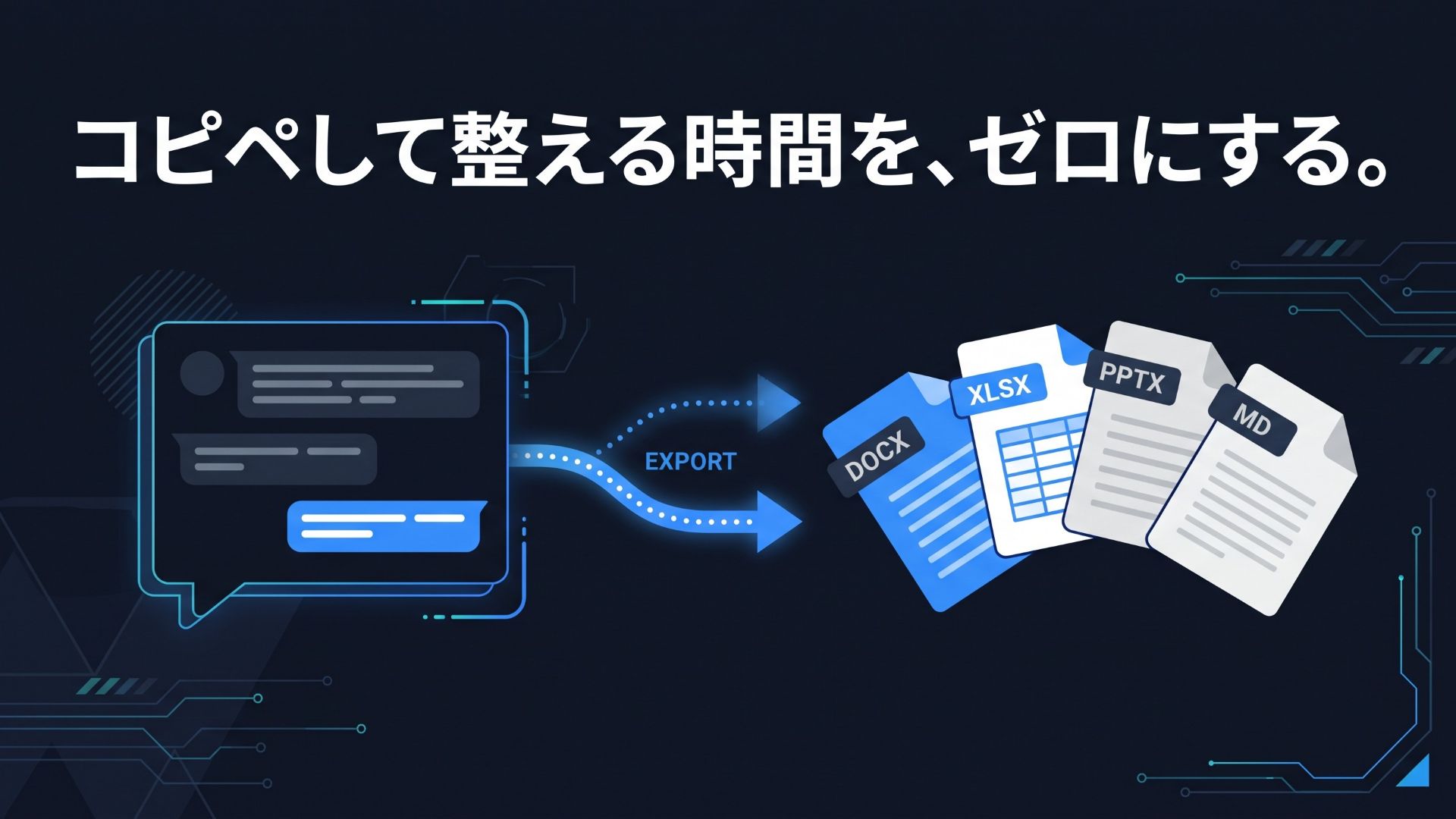
- Download any answer as Markdown, Word (.docx), Excel (.xlsx), PowerPoint (.pptx) or BibTeX (.bib).
- Count chips show “CJK n chars / Words n / Total n chars” for both the question and the answer, which is handy when a response letter has a word limit.
- Projects keep documents, chat threads and minutes separate per research topic.
- The “📝 Academic prompts” library ships with eight stock templates: Rebuttal (Response to Reviewers), Academic Proofreading, Research Grant Proposal Outline, Critical Review of a Paper, Literature Matrix, Conference Presentation Outline, Research Ethics and Limitations Section, and Data Analysis Code Review. All of them are searchable, editable and extendable with your own.
- The “🤖 Model” dropdown auto-detects whatever chat models you have pulled into Ollama.
The system prompt also tells the model to say that something “is not described” in the documents rather than guess, which is the behavior you want when the answer is going into a manuscript.
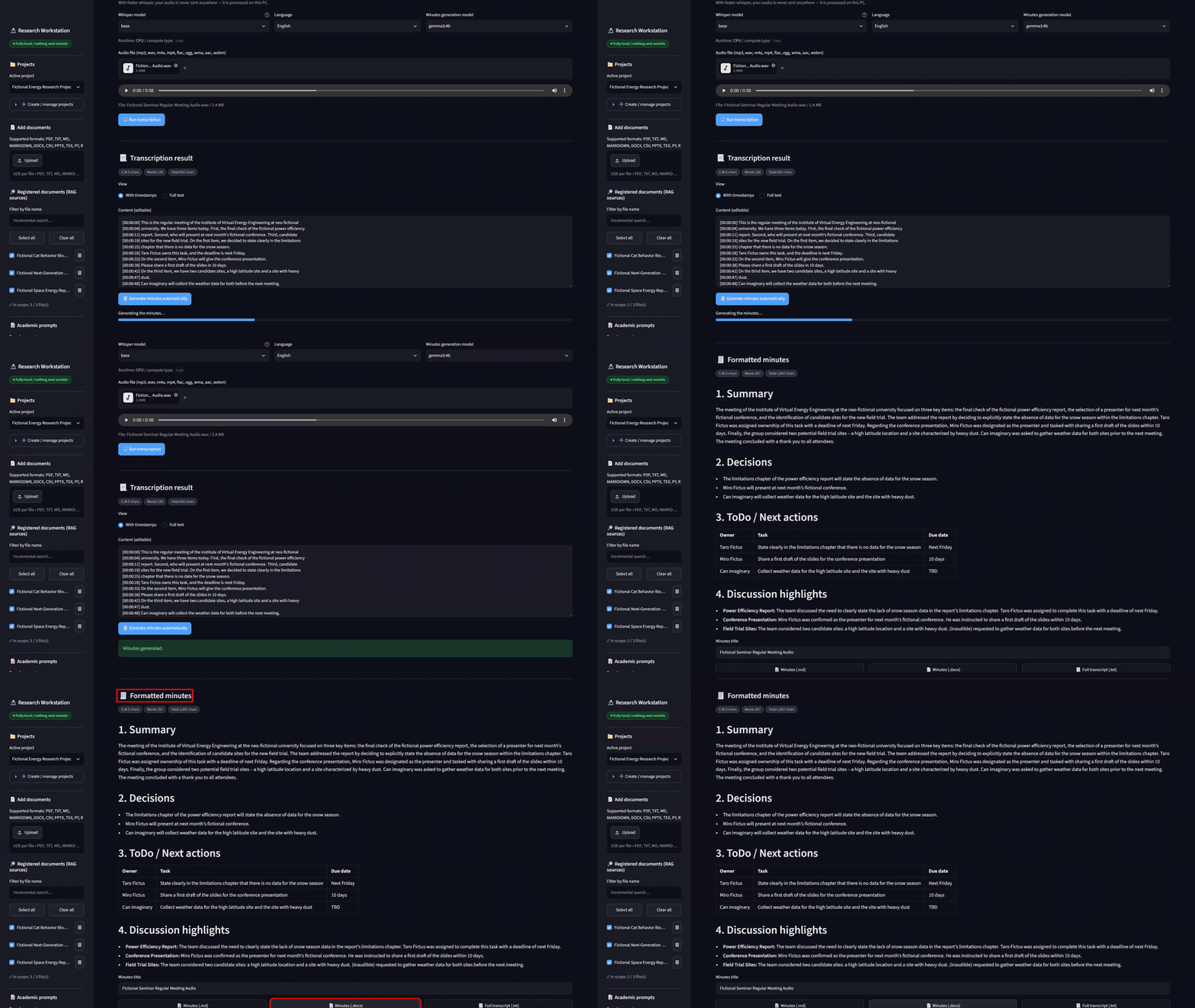
Tab 2: “🎙️ Local voice minutes”
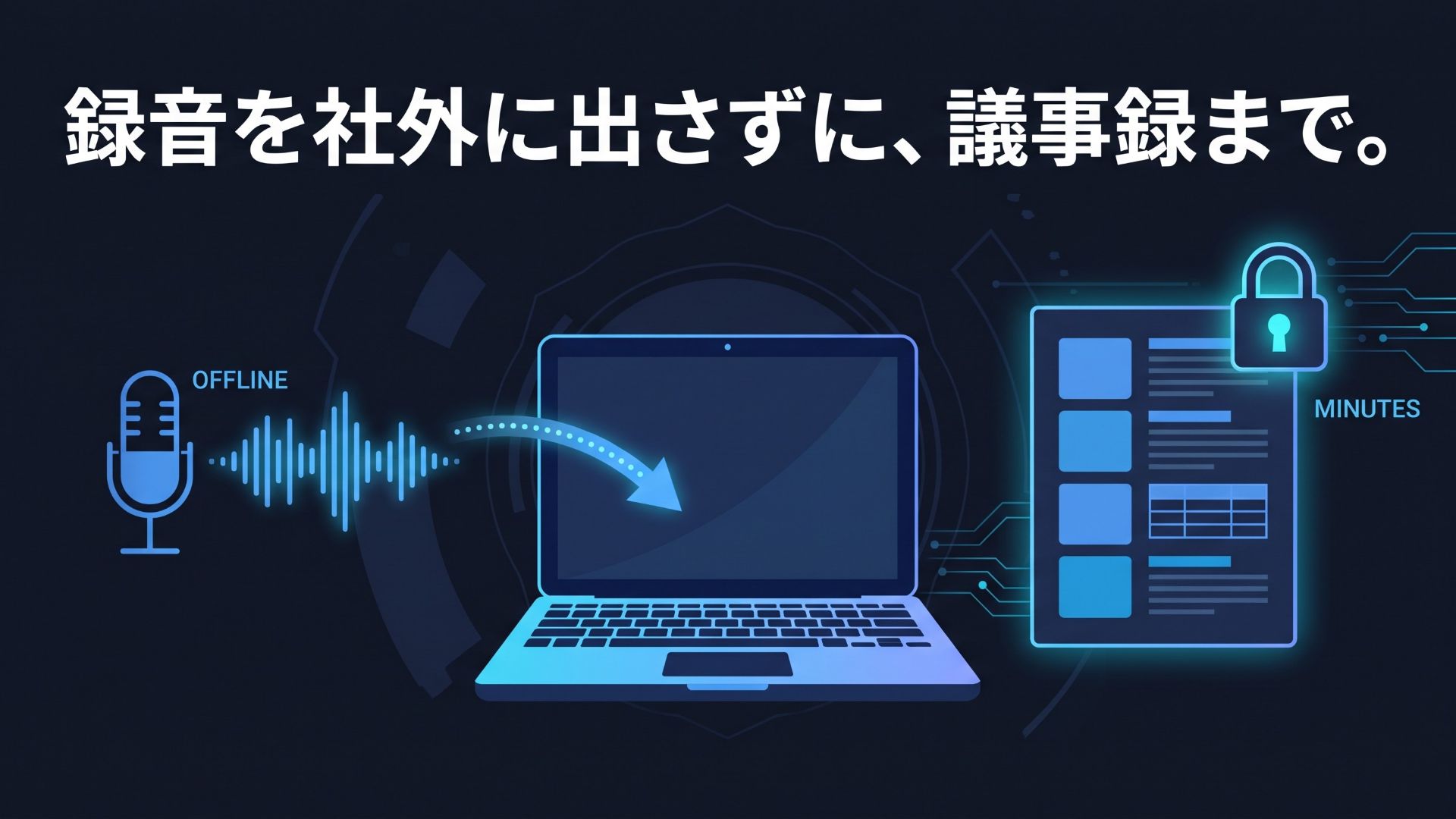
- Upload an mp3, wav, m4a or mp4 recording. faster-whisper transcribes it on your PC. The tab’s own caption reads: “With faster-whisper, your audio is never sent anywhere – it is processed on this PC.”
- Pick the Whisper model (
baseby default;smalland above are more accurate on proper nouns) and the language (English, Japanese or auto-detect). Transcription runs on CUDA if you have it, otherwise on the CPU. - Edit the transcript in “Content (editable)”, then press “🧾 Generate minutes automatically”. The local LLM writes minutes in a fixed four-part structure: 1. Summary, 2. Decisions, 3. ToDo / Next actions, 4. Discussion highlights.
- Save the minutes as “📝 Minutes (.md)” or “📄 Minutes (.docx)”, and the full transcript as .txt.
3. Why a build kit instead of a finished product
Let me be direct about this. PC specs, the Ollama model you want, the formats your documents come in and your organization’s security requirements differ enormously from one site to the next. Promising “a finished product that runs anywhere as-is” would be dishonest. Handing you a working foundation plus the specification to rebuild it gets you to your own tool faster.
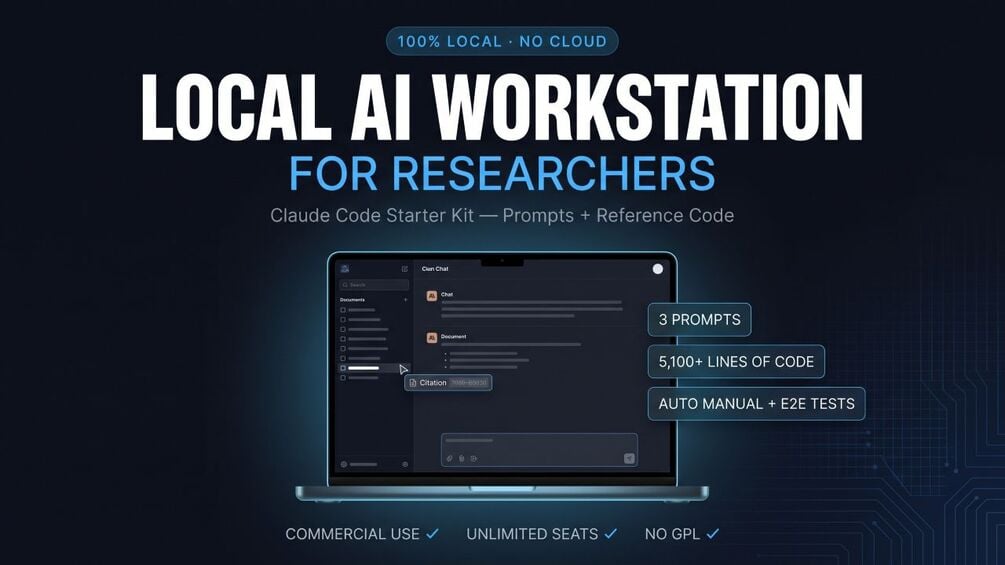
The core of the kit is three prompts for Claude Code, each about 850 words:
- The app build prompt has Claude Code build the workstation described above from scratch. It specifies the file layout, the security constraints (bind to 127.0.0.1, hide Streamlit’s Deploy button and header menu), the licenses it may use, the stack and every functional requirement.
- The E2E test automation and auto bug-fix prompt has it write Playwright tests that drive the whole UI, fix whatever fails, re-run until every test passes, and produce a report backed by full-HD video and red-framed screenshots.
- The manual auto-generation prompt drives the app through an eight-step scenario with entirely fictional dummy data and produces a walkthrough video, numbered red-framed screenshots and a finished Markdown manual.
The reference code in the box is what those three prompts actually produced. Claude Code’s output varies from run to run; that is a property of generative AI, not a defect. When yours drifts, you point at the reference file and say “match this implementation”. Closing a gap against a known-good answer is far faster than designing from nothing.
4. Security you can verify: “nothing leaves the machine” is a test, not a slogan
Anyone can write “runs locally” on a product page. In this kit, the bundled E2E suite checks it on every run. Test 1, “App startup and security checks”, makes ten assertions:
- The page displays at localhost:8501.
/_stcore/healthreturns 200.- Streamlit’s Deploy button is hidden, with zero instances in the DOM.
- The main menu is hidden.
- The toolbar is hidden.
- The header is hidden (present in the DOM, zero visible).
- The word “Deploy” appears nowhere on screen.
- The dark background #0E1117 is applied.
- The app is not reachable from the machine’s LAN-side IP address. It is bound to 127.0.0.1 only, so other machines on your network cannot connect.
- No exception is shown on screen.
In the English build’s test run, all ten passed, as part of 79 checks across 7 tests.
The shipped .streamlit/config.toml keeps CORS enabled but limits the allowed origins and allowed hosts to this machine, turns on XSRF protection, and switches off Streamlit’s usage-statistics reporting. Embeddings are computed explicitly through Ollama, so the vector store never has to fetch a default embedding model of its own. The only outbound traffic is the first-time model download: the Whisper model from Hugging Face, and whatever you pull with Ollama.
That is what your compliance team is asking for: the data stays on the machine, and there is a test report that says so. It is not a certification, and the kit does not claim one.
5. What is in the box
One ZIP download. Here is what it holds.
| Type | Contents |
|---|---|
| How-to guide | How_to_Use.md: setup, the three usage patterns, a customization map, a 20-row troubleshooting table, and the terms |
| Setup manual | Setup_Manual.pdf, an English setup manual in PDF form |
| License files | LICENSE.md, written for your legal or procurement review, and THIRD_PARTY_LICENSES.md, listing every dependency, its license and whether commercial use is permitted |
| Three prompts | tasks/01 app build, tasks/02 E2E tests and auto bug-fix, tasks/03 manual generation, about 850 words each |
| Batch runner | run_pipeline.py, which feeds the three prompts to Claude Code in order and logs each run |
| Reference code | 9 Python modules, 5,100+ lines: app.py (UI), database.py (SQLite), rag_engine.py (ChromaDB + Ollama), audio_transcriber.py (faster-whisper), exporters.py (docx / xlsx / pptx / md / bib), backup_export.py, generate_manual.py, test_automation_runner.py and run_pipeline.py |
| Fix log | test_automation_bugfixes.json: the six real bugs the tests caught, each with symptom, root cause and fix |
| Config and scripts | Hardened .streamlit/config.toml, start.bat / start.sh, export_all.bat / export_all.sh, requirements.txt |
The stack is Streamlit, Ollama, ChromaDB, faster-whisper, SQLite and Playwright. Every dependency is permissively licensed: MIT, Apache-2.0, BSD-3-Clause or HPND. There is no GPL, AGPL or LGPL and no non-commercial component, and the kit bundles no third-party source; the libraries come from PyPI. Models are not bundled either. The chat model you pull with Ollama carries its own terms (Gemma Terms of Use, Llama Community License), nomic-embed-text is Apache-2.0 and the Whisper conversions are MIT.
Not included, because your machine generates them: the virtual environment, app_data.db, chroma_db/ and the speech models.
6. From build to tests to manual: three ways to use the kit
| Pattern | For you if | Rough time |
|---|---|---|
| A. Run the reference code as-is | You want to try the app first | 15-30 minutes |
| B. Build it with Claude Code from the prompts | You want to rework it to your own requirements | 1-2 hours, including the AI’s run time |
| C. Run the manual generation and the tests on the reference code | You want a manual with video and screenshots, or a test report | About 10 minutes each |
During development, Claude Code’s run times were roughly 20 minutes for Prompt 1 (app build), 45 minutes for Prompt 2 (test automation and bug fixing) and 30 minutes for Prompt 3 (manual generation). You do not need to sit and watch.
The test run produced an overall PASS: 7 tests, 79 verification checks, 79 of 79 passed, with 6 real bugs detected and fixed automatically along the way. Among them were a “Select all” button that did not actually toggle the checkboxes and a delete-confirmation checkbox that stayed armed after a project was deleted. The manual run produced an eight-section manual with 16 red-framed screenshots and a walkthrough video.
7. Price, license and support
- Price: $349, one-time, unlimited seats inside the purchasing organization. Digital download; no refunds once the files have been downloaded.
- Personal use and corporate or commercial use are both permitted. “Organization” means the purchasing legal entity plus its parent and majority-owned subsidiaries and affiliates. Contractors may use it while working on that entity’s projects.
- Everything you generate with it, the app, the tests, the reports, the manuals and the minutes, is yours, including commercially, with no credit required.
- Redistribution, resale, lending or sublicensing is prohibited, and so is sharing the prompt files themselves or reselling them as a competing product.
- There is no human support. Common problems and their fixes are in the guide’s 20-row troubleshooting table, but individual inquiries are not answered. The price reflects that.
For scale: a per-seat cloud AI subscription for a team of ten adds up over a year, and a custom internal build typically comes back as a five-figure quote. A one-time price with no per-seat fee sits well below both. The kit’s job is to replace the slow part, writing the spec and the validation harness, not to be free.
8. Read this before you buy
- You need Python 3.10-3.12 (verified on 3.11; chromadb and faster-whisper may fail to install on 3.13 or 3.14) and Ollama with a chat model such as
gemma3:4borllama3.1:8b, plusnomic-embed-text. - To build or customize from the prompts you need Claude Code, which means your own Anthropic account and a paid plan or API credit, billed separately by Anthropic. The finished app does not need Claude Code.
- When Claude Code runs a prompt, the contents of the working folder are sent to Anthropic’s service. Build in an empty, dedicated folder. Never run it in a folder that holds confidential data.
- Generative AI output varies. The app Claude Code builds for you will not be identical to the reference code; the reference code exists so you can close the gap.
- Scanned-image PDFs are not supported; there is no OCR. A GPU is optional, and transcription falls back to the CPU.
- The LLM you pull with Ollama has its own license. Check whether the model you deploy permits commercial use.
- This is an unofficial product with no affiliation to Anthropic, Ollama, Streamlit or any other project.
9. Get the kit on Gumroad
コメント