YouTube Auto-Upload for Solo Creators

Build a YouTube Uploader With Claude Code, Keep Your Keys Private

Ask Claude Code or Cursor for a YouTube upload script and you will get one. The harder questions come next: should an AI agent be able to read the credential files that can post to your channel, and what keeps a test from going public? This article walks through the master prompt in the YouTube Auto-Upload Builder Pack for Solo Creators: its 8 safety rules, its Steps 0 to 8, and the settings that keep your credentials out of the agent's reach.
YouTube Auto-Upload for Solo Creators

Schedule, Thumbnail, Playlist, AI Disclosure: One File per Video

Picking the publish time, setting the thumbnail, adding the video to a playlist, answering the altered-content question: you click through the same settings on the upload page for every video. This article shows how to write those four settings in one file and send them together with the YouTube Auto-Upload Builder Pack for Solo Creators. It follows the script's real on-screen output, and it separates what was confirmed through the live YouTube API from what is implemented but not confirmed.
YouTube Auto-Upload for Solo Creators

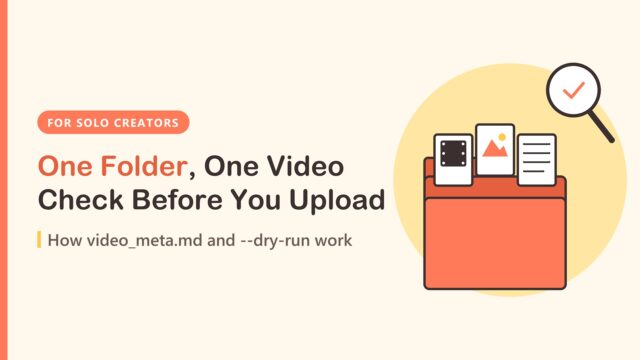
One Folder, One Video: Catch Upload Mistakes With a Dry Run

The video is exported, but the title, description, tags and thumbnail still have to be entered on the upload page, so publishing slips to the weekend. This article shows the two ideas at the base of the YouTube Auto-Upload Builder Pack for Solo Creators: one folder per video, with a single video_meta.md file for everything YouTube needs, and a dry run that checks that file before anything is sent. The on-screen messages quoted here are the ones the included script prints.
YouTube Auto-Upload for Solo Creators

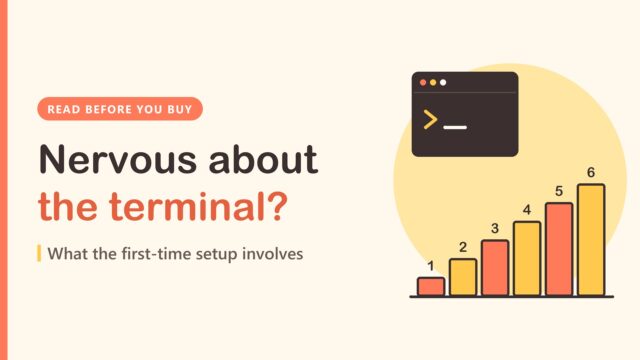
Nervous About the Terminal and Google Cloud? What Setup Involves

You want to automate your YouTube uploads, but typing commands into a terminal and clicking through Google Cloud both make you nervous. So that you can decide before you buy, this article lays out what the first-time setup of the YouTube Auto-Upload Builder Pack for Solo Creators actually involves, where to look when you get stuck, and what the personal license does and does not allow. It is based on the files that ship in the pack. There is no support.
YouTube Auto-Upload for Solo Creators

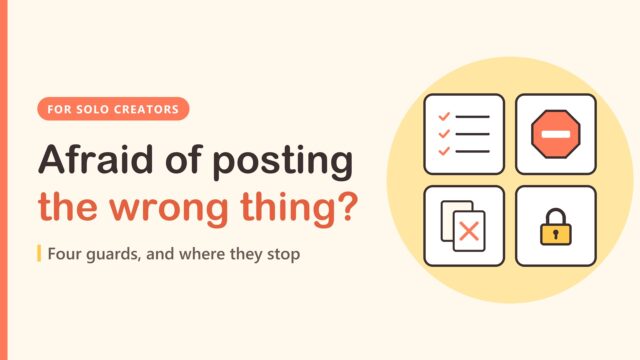
Afraid of YouTube Auto-Upload Mistakes? 4 Guards and Their Limits

You would like to automate your uploads, but you are afraid of posting to the wrong channel, posting the same video twice, or having a video go public before you have looked at it. This article walks through the four guards in the YouTube Auto-Upload Builder Pack for Solo Creators (the channel name check, the duplicate stop, private as the default, and the pre-flight check), together with the exact messages the script prints. It also says plainly where each guard stops working.
YouTube Auto-Upload for Solo Creators

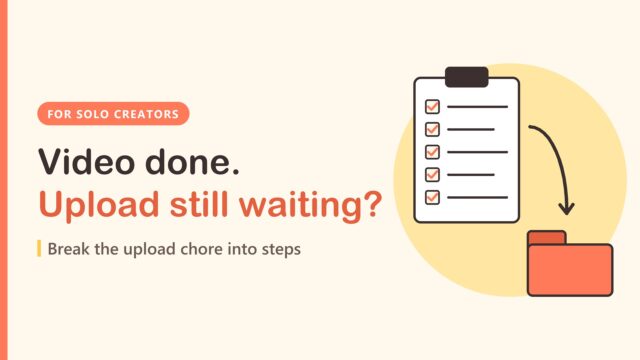
Video Done, Upload Postponed? Break the YouTube Upload Chore Down

The edit is done, the export is done, and the video still sits on your drive until the weekend. If you run a channel alongside a day job, you know how that happens. This article breaks the YouTube upload into its small steps and shows, based on the files that ship in the YouTube Auto-Upload Builder Pack for Solo Creators, which steps collapse into one command once you have built the workflow on your own computer and which steps stay manual. The settings the script does not touch are listed too.
YouTube Auto-Upload for Solo Creators

YouTube Auto-Upload Builder Pack: One Folder, One Command, Scheduled

The video is finished, but the upload bar, the copy-and-paste of the title and description, the thumbnail, and the schedule keep it sitting on your drive. This article introduces the YouTube Auto-Upload Builder Pack for Solo Creators, a kit for building a workflow on your own computer that uploads a video as private or scheduled with one command. It covers what the pack does, what it does not set, what was checked against the live YouTube API, and what the personal license allows.
YouTube Auto-Upload for Solo Creators

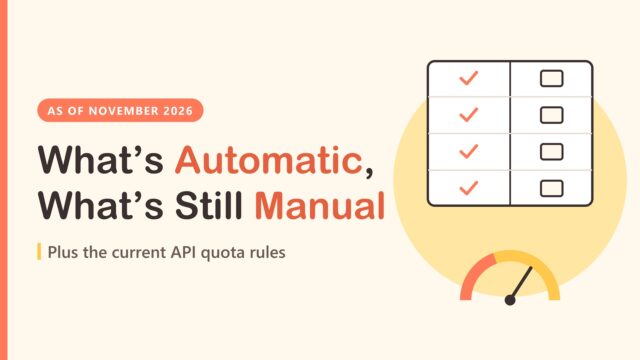
What the YouTube API Sets Automatically, What It Doesn’t, and Quota

If you automate your YouTube uploads, how much actually becomes automatic, and what is left for you to do by hand? And if you have read that the API allows only about six uploads a day, is that still true? This article sorts the settings into what an upload script sets for you and what it does not, then walks through the daily API limit (quota) as the official documentation describes it as of November 2026, including how it differs from older advice that is still easy to find.
YouTube Auto-Upload for Solo Creators

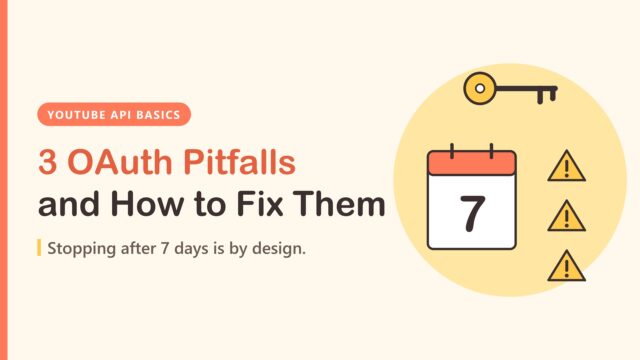
3 YouTube API OAuth Pitfalls for Solo Creators, and How to Fix Them

When you try to automate YouTube uploads, the place you get stuck is usually not the upload. It is the sign-in setup that comes before it. The browser says "Access blocked", the key file you created does not work, or everything runs fine and then stops a week later. This article explains the three places where solo creators stall (test users, the Desktop app client type, and the 7-day token expiry), why each one happens, and how to fix it, based on the Google Cloud Console as of November 2026. It also covers how to handle the credential files safely.
YouTube Auto-Upload for Business

3 OAuth Pitfalls in the YouTube Data API and How to Fix Them

When you try to automate video uploads with the YouTube Data API v3, OAuth setup is usually where you get stuck first. This article walks through the three most common pitfalls (an account that is not listed as a test user, a client type other than "Desktop app", and tokens that expire after 7 days in Testing status) and the three options you have for the 7-day expiry, based on a setup guide written as of November 2026.