- 1. What a “no cloud AI” policy actually does to a team
- 2. Flip the question: bring the model to the data
- 3. Demonstration 1: inference, embeddings and transcription all stay on the PC
- 4. Demonstration 2: the config file that closes the network
- 5. Demonstration 3: removing the UI that leads to the cloud
- 6. Demonstration 4: proving it is closed on every test run
- 7. The only time the app talks to the internet
- 8. The honest boundary: Claude Code is a cloud service while you build
- 9. A checklist for your IT and compliance review
- 10. Where to go next
1. What a “no cloud AI” policy actually does to a team
Research and development. Clinical trials. Legal departments. Public agencies. Interview studies run under an IRB protocol. If you handle unpublished results or personal information, your organization probably has a written rule that says, in effect, “no generative AI in the cloud.”
That rule is usually correct. Uploading a draft manuscript, a patient note or an interview recording to a service you do not control is exactly what your compliance office is paid to prevent.
The problem is what happens next. In practice the rule collapses into two options: use no AI at all, or use it quietly on a personal phone during the commute. The second option is far more dangerous than the first, and everyone in the room knows it is happening.
The compliance team is not the obstacle here. They are asking a reasonable question: “Where does the data go?” What they need is not a promise but evidence they can file.
2. Flip the question: bring the model to the data
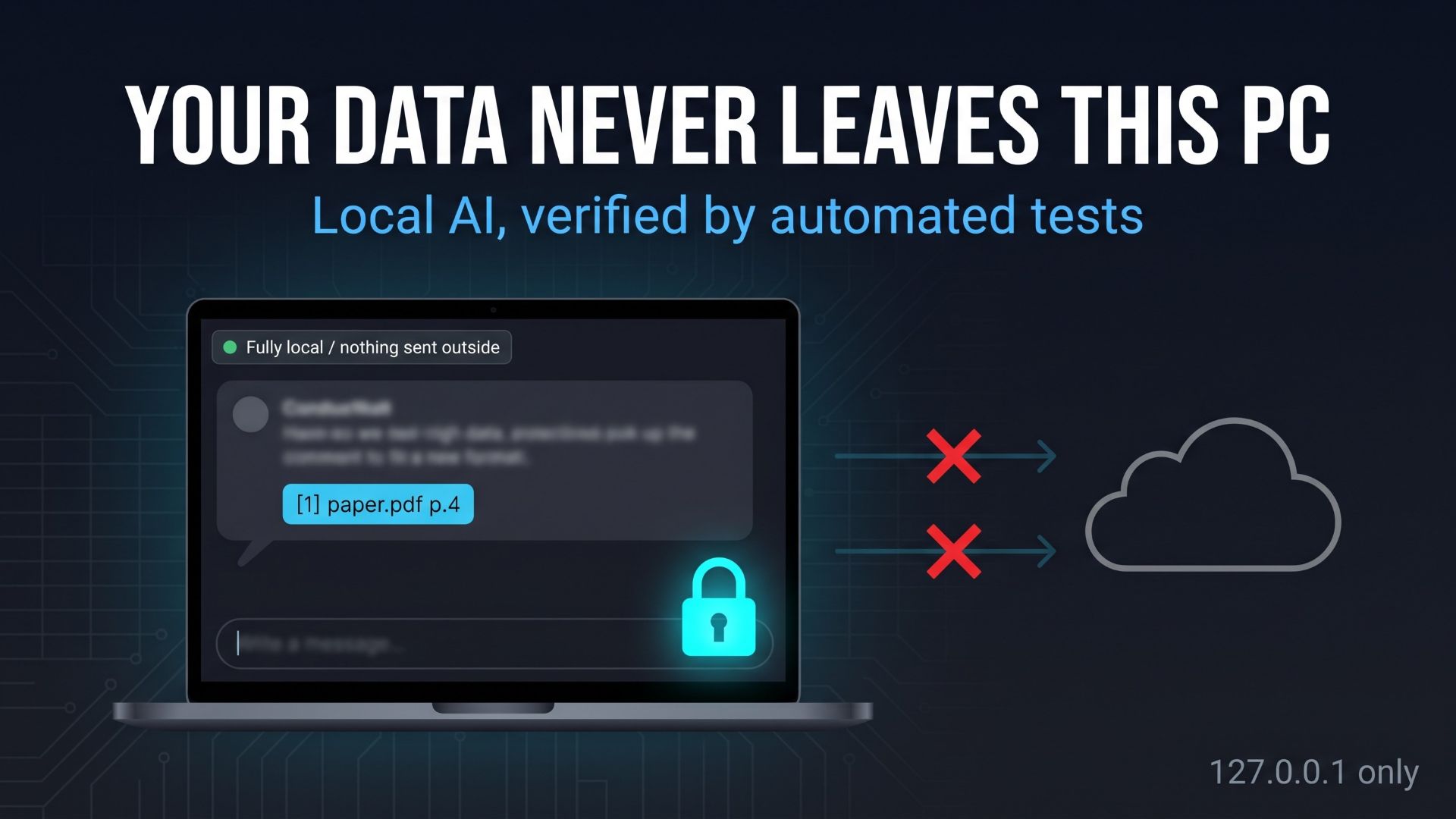
The app you build with the Local AI Workstation for Researchers starter kit answers that question differently. It does not promise to “handle data carefully” on a server somewhere. It runs the language model, the embedding model and the speech-to-text model on the PC in front of you. The data is not sent anywhere because there is no destination to send it to.
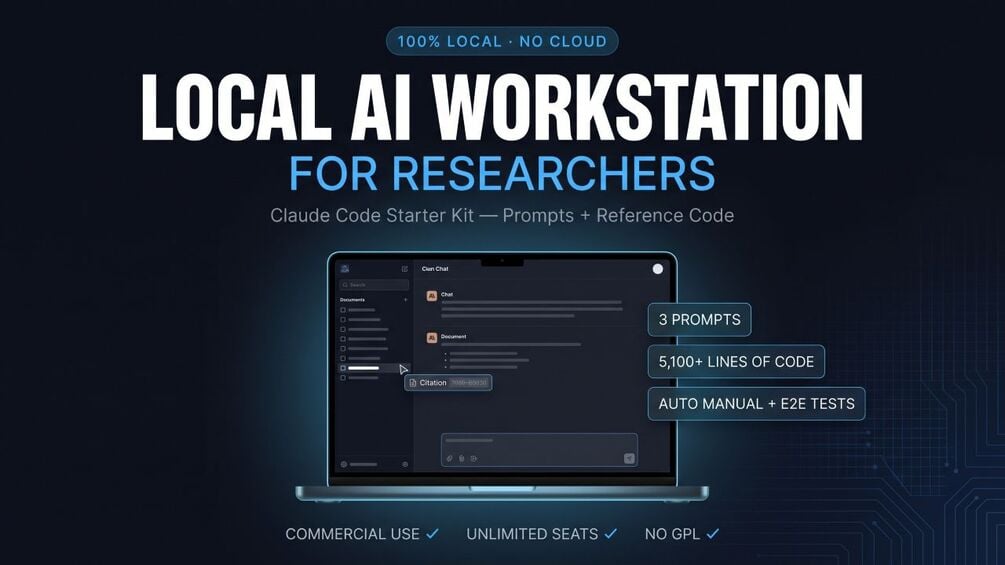
For readers who have not seen the kit: it is a one-ZIP download of three Claude Code prompts plus the reference code those prompts produce (nine Python modules, 5,100+ lines, built on Streamlit, Ollama, ChromaDB, SQLite and faster-whisper). You can run the reference code as-is in 15 to 30 minutes, or hand the prompts to Claude Code and have it rebuild the app to your own requirements. It costs $349, one-time, with unlimited seats inside the purchasing organization. There is no human support, and the price reflects that.
But “it’s local” is a sentence, not evidence. Your IT security reviewer has heard it before. So the rest of this article does what a reviewer would do: it reads the configuration, reads the code that matters, and then looks at the test that checks the configuration on every run.
3. Demonstration 1: inference, embeddings and transcription all stay on the PC
Start with the three places where data could plausibly leave a typical “AI assistant” app, and where each of them actually goes here.
| Operation | Component | Network destination |
|---|---|---|
| Chat answers, minutes generation | Ollama running a local LLM | 127.0.0.1:11434 (your own machine) |
| Turning documents into vectors for search (RAG) | Ollama embedding model (nomic-embed-text) plus ChromaDB persisted in a local folder | Same as above |
| Speech-to-text | faster-whisper, running on your CPU or GPU | None |
| Storage | SQLite file (app_data.db) and a chroma_db/ folder | None |
The row that reviewers tend to miss is the embedding step. ChromaDB ships with a default embedding function, and if you let it run, it will try to download a model the first time it is used. The kit’s RAG engine closes that path on purpose: it computes embeddings explicitly through Ollama and hands only the numeric vectors to ChromaDB, with the built-in embedding function switched off. The design note at the top of that module says so in plain language.
The UI makes the same statement where users can see it. The sidebar carries a badge that reads “● Fully local / nothing sent outside”, and the voice minutes tab opens with the caption “With faster-whisper, your audio is never sent anywhere — it is processed on this PC.”
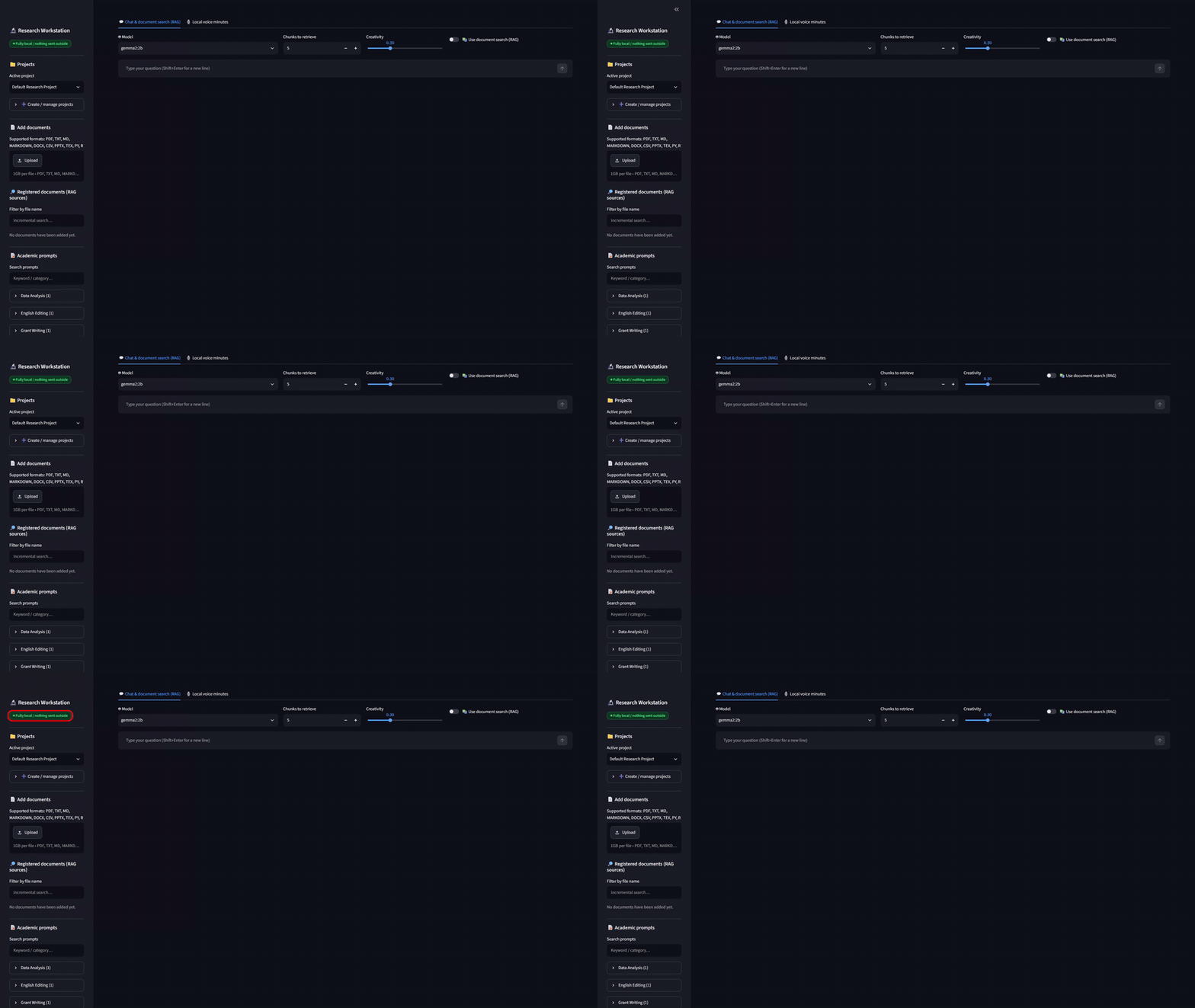
A badge is a claim, of course. The next three sections are the evidence behind it.
4. Demonstration 2: the config file that closes the network
Streamlit, the framework the app runs on, is a web server. Which network interface it listens on, and whom it accepts connections from, is decided in a small file named .streamlit/config.toml. The kit’s version pins the following:
[server]
address = "127.0.0.1"
port = 8501
enableCORS = true
corsAllowedOrigins = ["http://localhost:8501", "http://127.0.0.1:8501"]
allowedHosts = ["localhost", "127.0.0.1"]
enableXsrfProtection = true

[browser]
gatherUsageStats = false
Line by line, for the review:
address = "127.0.0.1"means the server listens only on the loopback interface. Another PC on the same office network cannot connect, even if someone knows the port.- CORS is left enabled and the allowed origins are narrowed to the two local addresses. Plenty of tutorials say to set enableCORS to false to make an error go away. Do not do that with confidential data: disabling CORS makes the server answer with
Access-Control-Allow-Origin: *, which leaves room for a malicious page open in the same browser to talk to the app’s WebSocket on localhost. The config file carries that reasoning as a comment so the next maintainer does not undo it. allowedHostsrestricts the host names accepted for WebSocket connections to the same two values.- XSRF protection stays on.
gatherUsageStats = falseturns off the framework’s own usage telemetry.
One more detail for the review: the start script (start.bat on Windows, start.sh elsewhere) passes the 127.0.0.1 bind, the port and the usage-statistics switch again as command-line flags. Deleting or misplacing the config file does not reopen the server to the network.
5. Demonstration 3: removing the UI that leads to the cloud
Out of the box, Streamlit puts a “Deploy” button and a default menu in the top-right corner of every app. Convenient for hobby projects; in a room full of unpublished data, a button that looks like “publish this to the internet in one click” is the wrong affordance.
The kit’s build prompt makes hiding them a hard requirement, phrased as “completely hide Streamlit’s standard top-right header menu and the Deploy button with custom CSS, to dispel any concern about leaking confidential data.” The reference app does this with a block of CSS that sets display: none on the header, the toolbar, the status widget, the Deploy button, the main menu and the footer.
CSS hiding is cheap and easy to break with a framework upgrade, which is exactly why the test suite checks it rather than trusting it. In the latest report the Deploy button, the main menu and the toolbar were each confirmed as “0 in DOM / 0 visible”, and the header as “1 in DOM / 0 visible”. The word “Deploy” did not appear anywhere on screen.
6. Demonstration 4: proving it is closed on every test run
This is the part to show your reviewer. Reading a config file and feeling reassured is not a control. A test that runs the same ten checks every time the app changes is.
Test 1 of the kit’s end-to-end suite, “App startup and security checks”, verifies the following on each run:
- The page displays correctly at
http://localhost:8501. - The health endpoint
/_stcore/healthreturns 200. - The Deploy button is hidden (0 in DOM / 0 visible).
- The default menu (MainMenu) is hidden.
- The toolbar is hidden.
- The header is hidden (present in the DOM, 0 visible).
- The word “Deploy” does not appear on screen.
- The dark-mode background color #0E1117 is applied.
- The app is not reachable from the LAN-side IP address.
- No exception or error is displayed on screen.
Check 9 deserves a closer look, because it is the one that turns “bound to 127.0.0.1” from a setting into an observed fact. The test runner asks the operating system for the machine’s own non-loopback address (it opens a UDP socket toward a documentation-only address and reads back which local interface would be used; no packet is actually sent). It then attempts a real TCP connection to that address on port 8501 with a two-second timeout. The check passes only if the connection fails. In other words, the suite tries to reach the app the way a colleague on the office network would, and confirms that it cannot.
In the most recent English-build report, dated 2026-09-21, Test 1 passed 10 of 10 checks, and the suite as a whole passed 79 of 79 checks across 7 tests, with 6 bugs found and fixed automatically along the way. The report ships with a full-session video recording and 37 red-framed screenshots, which makes it a reasonable attachment for an internal security review.
Here is the Test 1 table as it appears in the report, with one cell masked:
| Verification item | Result | Detail |
|---|---|---|
| Displays correctly at http://localhost:8501 | PASS | |
| The health check /_stcore/health returns 200 | PASS | |
| Deploy button is hidden | PASS | 0 in DOM / 0 visible |
| Default menu (MainMenu) is hidden | PASS | 0 in DOM / 0 visible |
| Toolbar is hidden | PASS | 0 in DOM / 0 visible |
| Header is hidden | PASS | 1 in DOM / 0 visible |
| The word “Deploy” does not appear on screen | PASS | |
| The dark mode background color (#0E1117) is applied | PASS | rgb(14, 17, 23) |
| Not reachable from the LAN-side IP (bound to 127.0.0.1 only) | PASS | (LAN address masked):8501 |
| No exception / error is displayed on screen | PASS |
One practical note: the Detail column of check 9 prints the machine’s real LAN address. If you publish the report or forward it outside your team, mask that row first. The runner prints it so you can confirm the test targeted your real interface, not so you can share it.
7. The only time the app talks to the internet
To be precise about the boundary, there are exactly two moments when the app or its runtime makes an outbound connection, and neither carries your data:
- The first time a Whisper model is used. faster-whisper downloads the model files from Hugging Face into a local
models/folder. After that it reads from the folder. - When you pull a model with Ollama (for example
ollama pull gemma3:4borollama pull nomic-embed-text).
Both are downloads of model weights, not uploads of anything from your machine. Pull the models you need while you still have a connection; afterward every feature works with the network cable unplugged. For a strictly air-gapped machine, treat the model downloads as a one-time provisioning step, like staging any other installer.
8. The honest boundary: Claude Code is a cloud service while you build
This section exists because a good reviewer will ask about it anyway.
The kit assumes you will build or customize the app with Claude Code. When you run a prompt with Claude Code, the instructions and the files in the working folder are sent to Anthropic’s service. That is how the tool works, and the kit’s how-to guide says so in its security section. The rule that follows is simple: never run Claude Code in a folder that contains confidential or unpublished data. Build in an empty, dedicated folder. If you use the bundled run_pipeline.py, which runs Claude Code with permission prompts disabled, the guide additionally tells you to do that only in an empty folder or a validation VM, and to check your internal security policy first.
Once the app is built, Claude Code is no longer involved. The finished app does not call it and does not need it installed, and after the models are pulled it does not need an internet connection either. “Build in an empty folder, use it locally” is the whole operating rule.
Two more items belong in the same honest paragraph:
- The LLM you run has its own license. Every library in the kit is permissive (MIT, Apache-2.0, BSD-3-Clause, HPND), with no GPL-family dependencies, and the bundled third-party license file lists each one with a commercial-use verdict. The kit does not bundle any model. The chat model you pull with Ollama, such as a Gemma or Llama model, comes with its own terms, and that is the one place where an internal review can turn up a restriction. Pick the model with that in mind.
- This is not a certification. The design keeps your data on the machine, which is what your compliance team is asking for. Mapping that to GDPR, HIPAA, your IRB protocol or an internal classification scheme is their job, and the materials in this article are meant to make that job short. Nobody is claiming the app is “GDPR certified” or “HIPAA compliant,” and you should be suspicious of any local AI tool that does.
9. A checklist for your IT and compliance review
If you need to brief IT security or a compliance officer, these seven points cover what they usually ask; each can be verified from a file in the kit or a report it generates.
- [ ] Where inference, embeddings and transcription run (on the PC, through Ollama and faster-whisper; see the how-to guide, section 5, and the design note at the top of the RAG engine)
- [ ] Bind address (127.0.0.1 only) and the test result showing that the LAN-side connection attempt fails (
.streamlit/config.toml, the start script, and Test 1 of the report) - [ ] CORS allowed origins, allowed hosts and XSRF protection values (
.streamlit/config.toml) - [ ] Hidden cloud-publishing UI (Deploy button, menu, toolbar, header) and the DOM-level checks that confirm it (Test 1 of the report)
- [ ] The only outbound connections: first-time model downloads (how-to guide, section 5; third-party license file, section 4)
- [ ] Dependency license list with no GPL-family components, plus a note on the license of the LLM you choose (third-party license file)
- [ ] The rule that Claude Code is used only in an empty build folder, never alongside confidential data (how-to guide, section 5)
Hand over the config file, the license file and the test report, and most of the conversation is already finished.
10. Where to go next

コメント