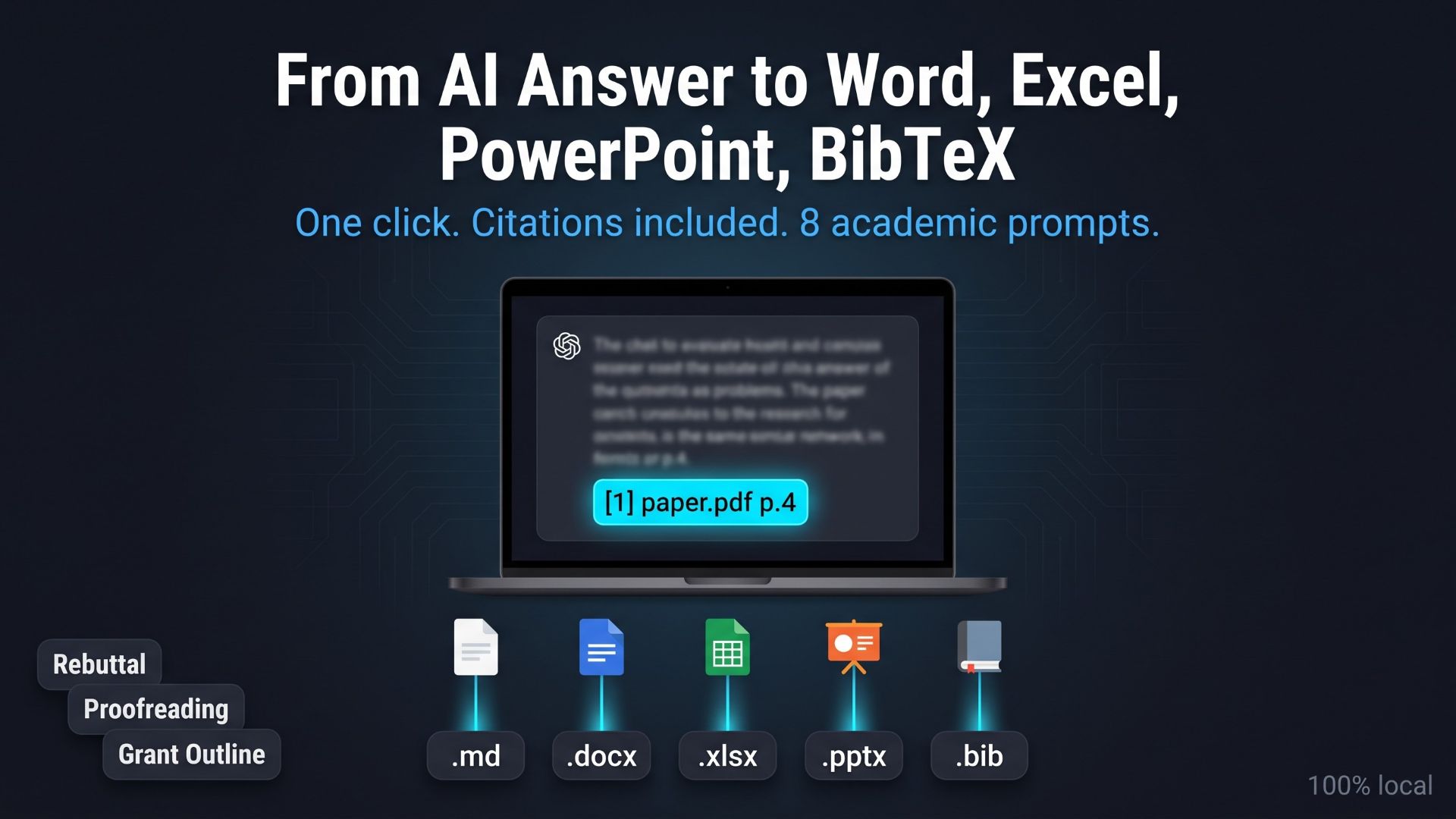
Copy the answer, paste it into Word, fix the headings, re-type the sources. If that is ten minutes of every AI session, this article is about getting those minutes back. The app built from the kit puts .md, .docx, .xlsx, .pptx and .bib buttons under every answer and writes the citations into each file, and its sidebar holds eight academic prompts (rebuttal, proofreading, grant outline and more) that you can search, edit and extend. The screens come from the operating manual the kit generates automatically.
- 1. What free local chat apps leave out
- 2. Five file formats and where each one fits
- 3. The procedure: press the button under the answer
- 4. Citations travel into the files
- 5. Eight academic prompts, one click away
- 6. Adding, editing and searching your own prompts
- 7. Word counts that treat CJK and Latin text differently
- 8. Trying it in your own environment
1. What free local chat apps leave out
Chatting with a local model is a solved problem. Ollama runs the model; half a dozen free desktop apps give you a chat window on top of it. What none of them solve is what happens after the answer appears.
- You want the answer in Word, so you copy and paste, and the headings, lists and tables arrive as flat text that you spend ten minutes re-formatting.
- You want the sources in BibTeX, so you type them by hand.
- You start every response to reviewers by typing the same three paragraphs of instructions.
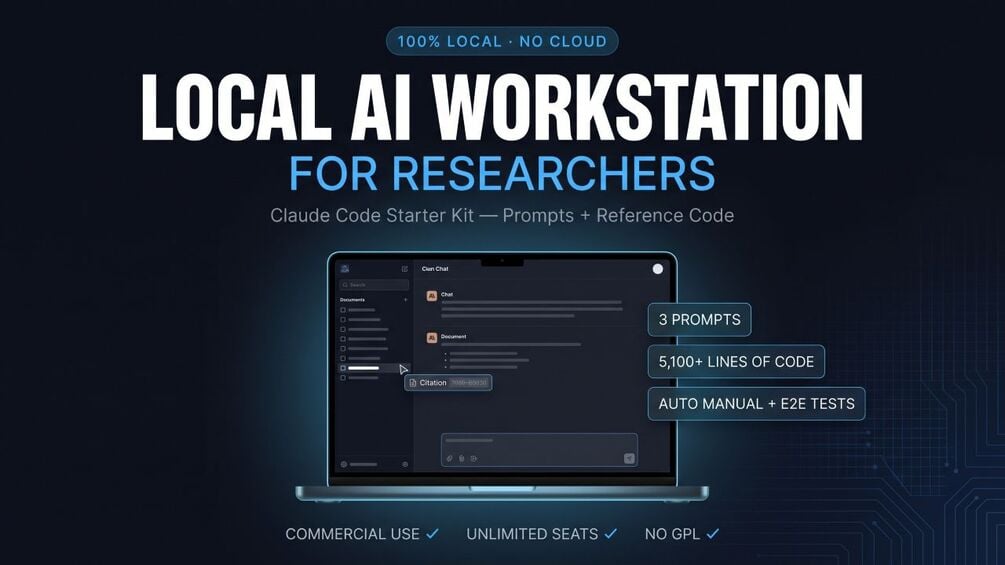
The app built from the Claude Code starter kit treats those three as features rather than afterthoughts. Under every answer there is a row of export buttons; the sidebar holds a prompt library with eight academic templates that you can search, edit and extend. This is the clearest visible difference between this app and a generic local chat client, and this article shows how both parts work, using screens from the operating manual the kit generates automatically with a Playwright script, red-framed screenshots and all.
2. Five file formats and where each one fits
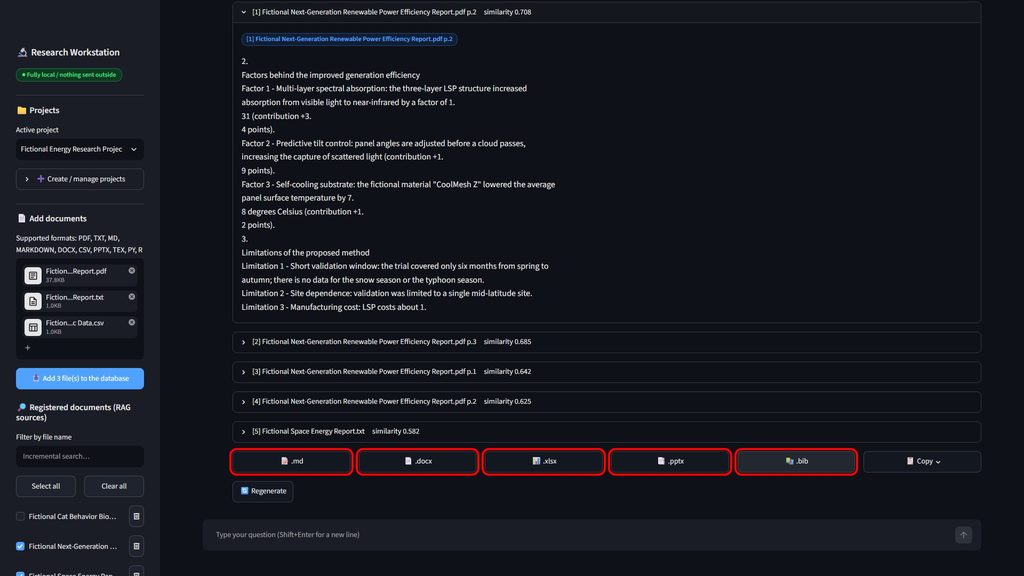
Every assistant answer ends with the same row of buttons.
| Button | Format | Where it fits |
|---|---|---|
| “📝 .md” | Markdown | Notes, GitHub, Obsidian, a wiki |
| “📄 .docx” | Word | Reports and manuscript drafts; Markdown headings and lists become Word styles |
| “📊 .xlsx” | Excel | The answer, the sources and any Markdown tables on separate sheets; review grids |
| “📑 .pptx” | PowerPoint | One slide per heading; a first draft for a talk |
| “📚 .bib” | BibTeX | Skeleton entries for the cited documents, ready for a reference manager |
| “📋 Copy” | Text | Opens a panel with the answer ready to select and copy |
A seventh button, “🔄 Regenerate”, appears under the most recent answer only and re-runs the question. The “📋 Copy” button is a popover rather than a direct clipboard write because Streamlit cannot call the browser’s clipboard API on its own; the panel shows the answer as selectable text with the caption “Select the text below and copy it.”
Files are named after the project and the date. In the manual run the downloads were Fictional_Energy_Research_Project_2026-09-21.docx (38,903 bytes) and Fictional_Energy_Research_Project_2026-09-21.bib (753 bytes).
3. The procedure: press the button under the answer
There is not much to describe, which is the point.
- Ask a question and wait for the answer. Document search can be on or off; the exports work either way.
- Press “📄 .docx” (or any of the others) under the answer.
- The file lands in your browser’s download folder.
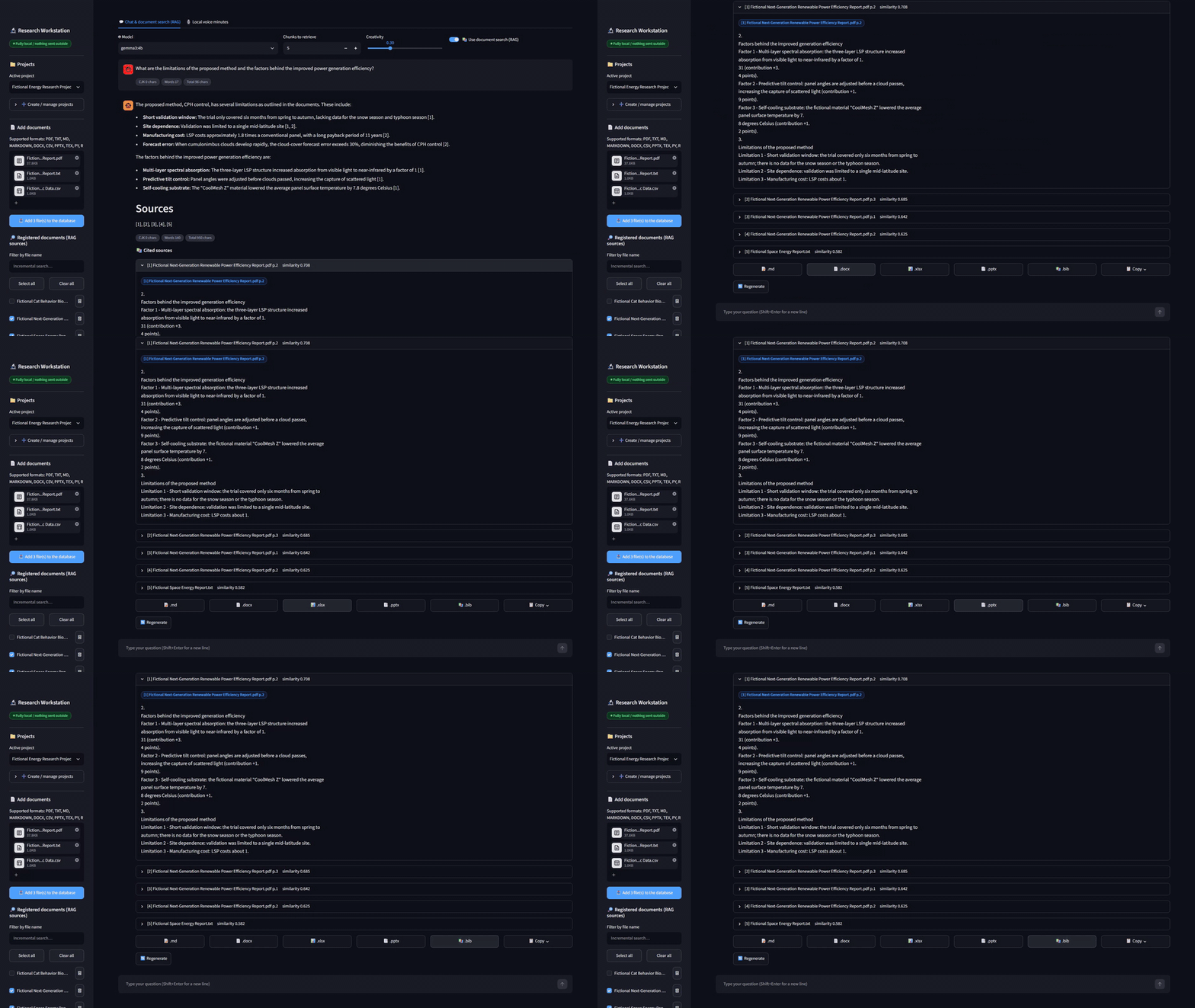
The export functions are not a demo path. The kit’s E2E test suite covers them as Test 6, “High-value exports”: each of the five formats is downloaded and then re-opened with the corresponding library to confirm the content is intact. In the published run all 8 checks passed, with files of 1,762 bytes (.md), 37,527 (.docx), 6,563 (.xlsx), 31,133 (.pptx) and 741 (.bib). Those numbers are small, but they are the difference between “the button exists” and “the file opens”.
Word documents use Calibri for Latin text and Yu Gothic for CJK text, so a bilingual answer does not come out as empty boxes. On macOS or Linux, where neither font may be installed, the guide’s troubleshooting table tells you to change the two font names in exporters.py to fonts you have (Helvetica and Hiragino Sans, for example).
4. Citations travel into the files
When document search is on, the answer carries citations such as [1] paper.pdf p.4 and a “📚 Cited sources” list you can expand. Those citations are not decoration that stays on the screen. Each exporter writes them into the file:
- Word: after the body, a page break and a “Cited documents” heading, with one sub-heading per source (
[1] filename p.4), the similarity score, and the cited passage in italics. - Excel: a “Sources” sheet next to the answer sheet, plus an “Extracted tables” sheet holding any Markdown tables from the answer as real cells.
- PowerPoint: a title slide, one slide per heading (long sections are split into 12-line slides), and a closing “Cited documents” slide.
- Markdown: a “Cited documents” section under the answer.
- BibTeX: one entry per cited document.
The BibTeX output deserves a caveat, and the file states it itself. Entries are skeletons: the exporter tries to read an author and a year from the file name (a name such as “Smith2020_Title” works) and marks everything as an estimate in a comment at the top of the file: “Author, year and venue are estimates. Always verify against the original source before submission.” It saves the typing; it does not replace checking.
Why build this in at all? Because the person who opens the Word file a month later needs to trace a paragraph back to its document as easily as the person who asked the question. In a research or regulated setting that traceability is not optional, which is why it appears in the kit’s app-build prompt as a functional requirement rather than as a later add-on.
5. Eight academic prompts, one click away
In the sidebar, “📝 Academic prompts” ships with eight templates, grouped by category in collapsible sections that show how many prompts each one holds.
| Category | Template |
|---|---|
| Peer Review | Rebuttal (Response to Reviewers) |
| English Editing | Academic Proofreading |
| Grant Writing | Research Grant Proposal Outline |
| Literature Reading | Critical Review of a Paper |
| Literature Reading | Literature Matrix |
| Presentation Prep | Conference Presentation Outline |
| Manuscript Writing | Research Ethics and Limitations Section |
| Data Analysis | Data Analysis Code Review |
These are working prompts, not one-liners. The rebuttal template asks the model to quote each reviewer comment with a number, state how it was addressed, point to the revised location in the form “Revised: p.X, L.Y”, and rebut politely with evidence where you disagree. The proofreading template demands three outputs: the revised text, a table of major changes with reasons, and remaining concerns. The code-review template checks statistical assumptions, missing-value handling, multiple-comparison risk and reproducibility (random seeds, pinned versions).
Click a template’s title and two things happen. A toast confirms the insertion, and the chat tab shows the message “Prompt template loaded. Edit it below and send.” above a text area labeled “Prompt (editable)” that holds the full template. Paste your manuscript or the reviewer comments under the template’s final line, edit anything you like, and press “Send”. If you change your mind, “Discard” clears the box.
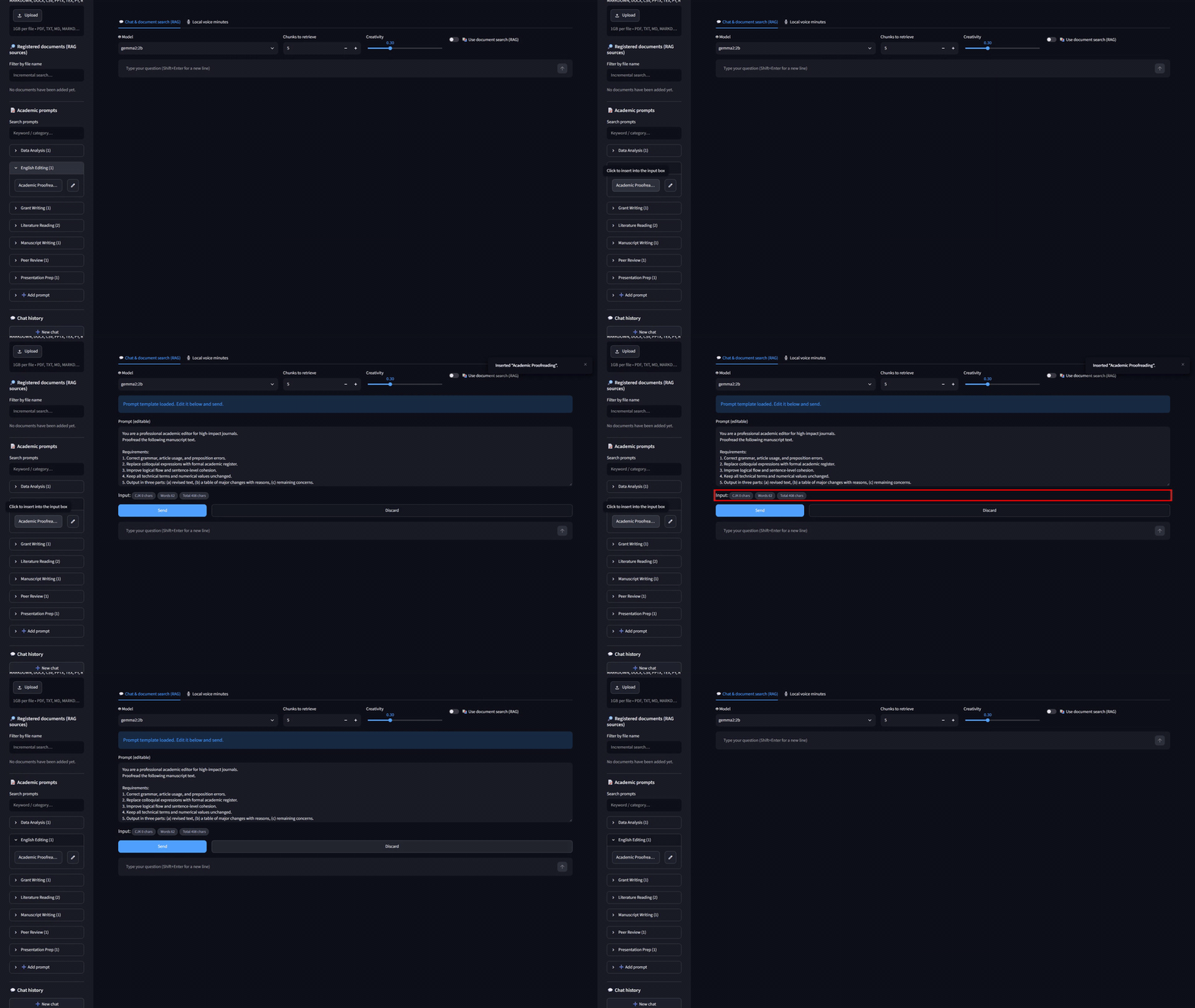
The manual’s scenario calls up a template at step 3 and then presses “Discard”, because the walkthrough continues with a free-form question. That is a realistic pattern: templates for the recurring tasks, free text for everything else.
6. Adding, editing and searching your own prompts
The eight templates are a starting set, not a fixed menu.
- “➕ Add prompt” opens a form with “Title”, “Category” and “Body” fields and an “Add” button. Categories are free text; a new category creates its own section in the sidebar.
- The pencil icon beside a template switches the same form to “✏️ Edit prompt”, with “Update” and “Delete” buttons.
- “Search prompts” filters the list by keyword or category as you type.
Everything is stored in the app’s SQLite database, app_data.db, so a lab can accumulate its own standard texts: a submission-guideline checklist, the wording of an ethics statement, the house style for figure captions. The E2E suite covers this as Test 4, “Prompt management (CRUD)”, with 12 checks that add, edit and delete prompts. One of the six bugs the kit’s autonomous fix loop found and repaired lived here: after adding a prompt, the form kept the previous title, and selecting another prompt with the pencil did not load it. The root cause was a Streamlit widget-state behavior, the fix is in the reference code, and the whole episode is documented in the test report’s appendix.
7. Word counts that treat CJK and Latin text differently
Every question, every answer and the loaded template box carry a set of count chips in the form “CJK n chars / Words n / Total n chars”. In the test run a 21-word question showed “CJK 0 chars / Words 21 / Total 114 chars”; in the manual run the answer showed “CJK 0 chars / Words 169 / Total 1,217 chars”.
The split exists because many researchers write to two kinds of limits at once: a 250-word abstract in English and a 400-character abstract in Japanese or Chinese for the same paper. Counting CJK characters and Latin words separately lets one box serve both. In the template box the chips are prefixed “Input:” and update as you type, so you can watch a rebuttal grow toward a page limit while you edit it.
8. Trying it in your own environment
Run the reference code as it ships (Python 3.10 to 3.12, Ollama, ollama pull gemma3:4b and ollama pull nomic-embed-text, then start.bat or ./start.sh) and both the export row and the prompt library are there on first launch; the eight templates are seeded into the database the first time it is created.
To change what the exports contain, add a format (LaTeX, for instance) or restructure the slides, the shortest path is exporters.py in the reference code, roughly 600 lines with one function per format. The alternative is to edit the output requirements in the kit’s app-build prompt and let Claude Code rebuild the module. Either way, the kit’s guide has a table mapping each common change to the file and constant it lives in.
The kit is a one-time Gumroad purchase: $349, one-time, unlimited seats inside the purchasing organization, commercial use permitted, no human support. The deliverables you generate with it, including every Word, Excel, PowerPoint and BibTeX file, are yours to use, commercially or otherwise, with no credit required.

コメント