YouTube automation

YouTube Auto-Upload for Solo Creators

Nervous About the Terminal and Google Cloud? What Setup Involves

You want to automate your YouTube uploads, but typing commands into a terminal and clicking through Google Cloud both make you nervous. So that you can decide before you buy, this article lays out what the first-time setup of the YouTube Auto-Upload Builder Pack for Solo Creators actually involves, where to look when you get stuck, and what the personal license does and does not allow. It is based on the files that ship in the pack. There is no support.
YouTube Auto-Upload for Solo Creators

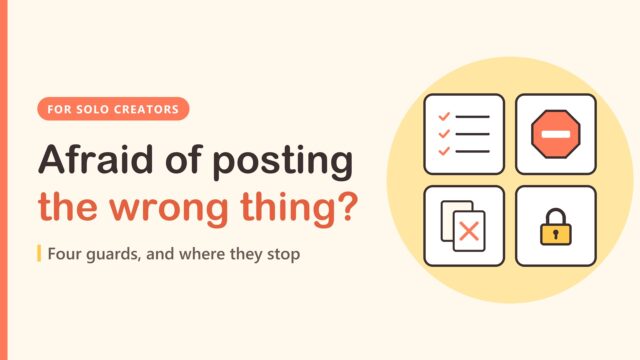
Afraid of YouTube Auto-Upload Mistakes? 4 Guards and Their Limits

You would like to automate your uploads, but you are afraid of posting to the wrong channel, posting the same video twice, or having a video go public before you have looked at it. This article walks through the four guards in the YouTube Auto-Upload Builder Pack for Solo Creators (the channel name check, the duplicate stop, private as the default, and the pre-flight check), together with the exact messages the script prints. It also says plainly where each guard stops working.
YouTube Auto-Upload for Solo Creators

Video Done, Upload Postponed? Break the YouTube Upload Chore Down

The edit is done, the export is done, and the video still sits on your drive until the weekend. If you run a channel alongside a day job, you know how that happens. This article breaks the YouTube upload into its small steps and shows, based on the files that ship in the YouTube Auto-Upload Builder Pack for Solo Creators, which steps collapse into one command once you have built the workflow on your own computer and which steps stay manual. The settings the script does not touch are listed too.