
Greetings, everyone! I am Elsy, your AI cat guide! Indeed, I shall show you how to use generative AI! Learn the basics and enjoy your AI life! Born from: Adobe Firefly (image generation AI)

Nice to meet you all! I am Oliver. I assist Elsy. She tends to go off track, so I help keep things on course. Born from: Adobe Firefly (image generation AI)
Learn how to log out of Claude Code in VS Code. Follow these simple steps using the terminal and the /logout command. Perfect for beginners.
- [Claude Code × VS Code] How to Log Out of Claude Code
- Stop Wasting Hours on Tasks AI Can Do for You
- Book 1 — Automate Excel with AI | For Developers, Analysts & Office Workers
- Book 2 — Automate Your User Guides & README Docs | For Developers & Project Managers
- Book 3 — Automate Your Tests + Auto-Save Screenshots & Video | For QA Engineers & Developers
- Book 4 — Full Workflow Automation: Design → Code → Test | For Beginners
- Book 5 — Auto-Generate Architecture Diagrams & Flowcharts | For Developers & Tech Leads
- Important Notes on Generative AI
[Claude Code × VS Code] How to Log Out of Claude Code
How do I log out of Claude Code?
It is simple, indeed!
First, open VS Code. Press Ctrl + @ to open the terminal!
The terminal is open!
Type `claude` and press Enter!

Claude Code has started!
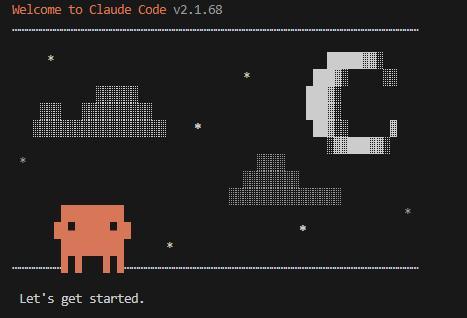
Type `/log` and a list of options will appear!
I can see `/logout`! Should I select it and press Enter?
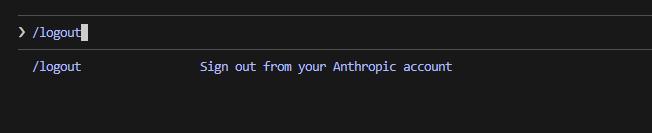
That is correct! Indeed! Select `/logout` and press Enter! When logout is successful, a message will appear!

Stop Wasting Hours on Tasks AI Can Do for You
Claude Code is an AI coding tool from Anthropic. It reads your files, writes code, and automates repetitive work — directly from your terminal.
These beginner-friendly Kindle books show you exactly how to put it to work.
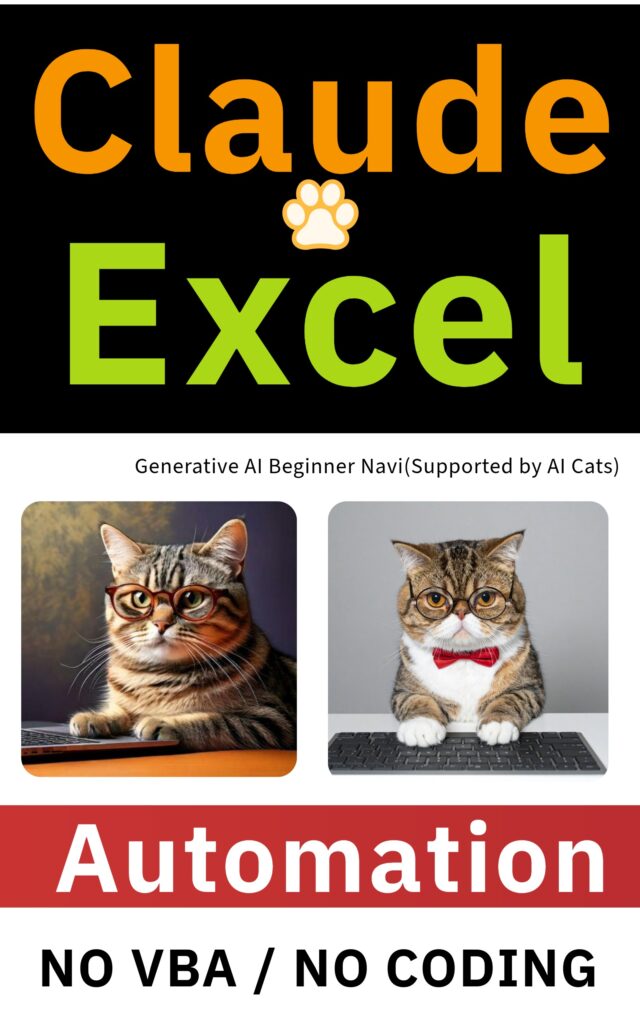
Book 1 — Automate Excel with AI | For Developers, Analysts & Office Workers
**Still writing Excel formulas by hand?**
That is a slow, error-prone way to work.
Claude Code can read your spreadsheet, understand what you need, and generate the formulas and scripts for you — in seconds.
**What you will be able to do after reading:**
- Generate complex Excel formulas without memorizing syntax
- Build automation scripts for repetitive spreadsheet tasks
- Cut hours of manual data work down to minutes
**Perfect for:** developers, data analysts, office workers who use Excel daily

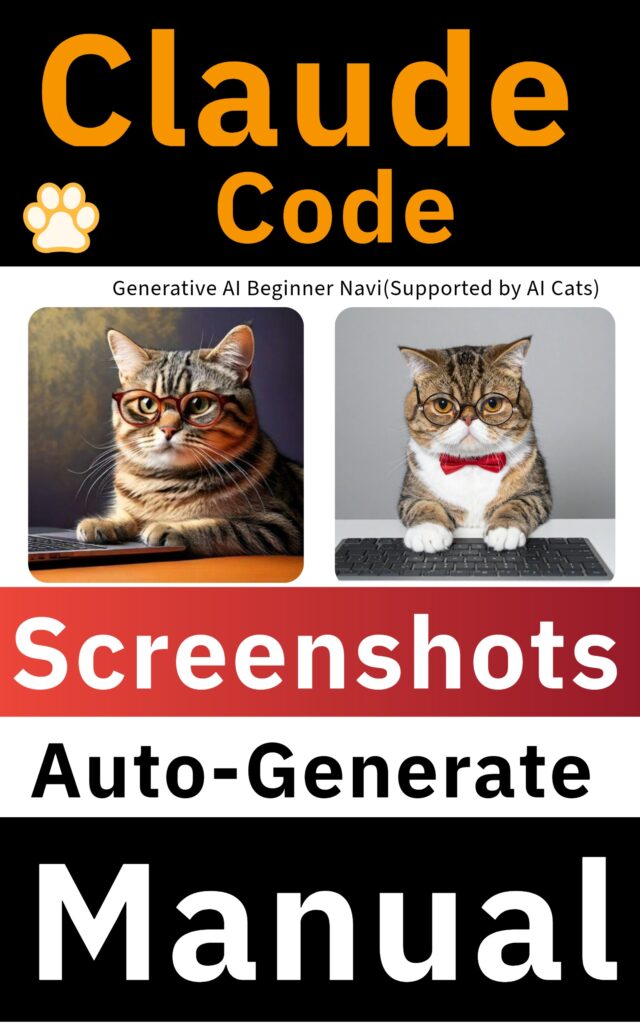
Book 2 — Automate Your User Guides & README Docs | For Developers & Project Managers
**You finished the build. Now comes the documentation.**
Writing user guides, README files, and step-by-step instructions takes hours.
Capturing screenshots, adding annotations, formatting each page — it never ends.
With Claude Code, you can automate the entire process.
It captures screenshots, marks up each step, and generates structured documentation for you.
**What you will be able to do after reading:**
– Auto-generate user guides and README files after each build
– Capture and annotate screenshots automatically
– Save 3–5 hours per project on documentation alone
**Perfect for:** developers, QA engineers, project managers, technical writers

Book 3 — Automate Your Tests + Auto-Save Screenshots & Video | For QA Engineers & Developers
**Manual screenshot-taking during testing is one of the biggest time sinks in QA.**
Unit tests, integration tests, regression tests — capturing evidence by hand is slow, inconsistent, and boring.
This book shows you how to run your tests and automatically save screenshots and screen recordings at the same time.
**What you will be able to do after reading:**
– Run tests and capture screenshots automatically — no manual work
– Save screen recordings of every test run as video evidence
– Build a reliable, repeatable QA process with zero extra effort
**Perfect for:** QA engineers, developers, anyone doing manual or automated testing


Book 4 — Full Workflow Automation: Design → Code → Test | For Beginners
**Want to automate your entire development workflow — but do not know where to start?**
This beginner-friendly guide walks you through the full cycle:
system design, code generation, and automated testing — all with Claude Code.
No prior AI experience needed.
Each step is explained clearly so that anyone can follow along.
**What you will be able to do after reading:**
– Use Claude Code to generate system designs from plain descriptions
– Auto-generate working code from your design specs
– Run automated tests and capture results — all in one workflow
**Perfect for:** beginners, junior developers, anyone learning AI-assisted development
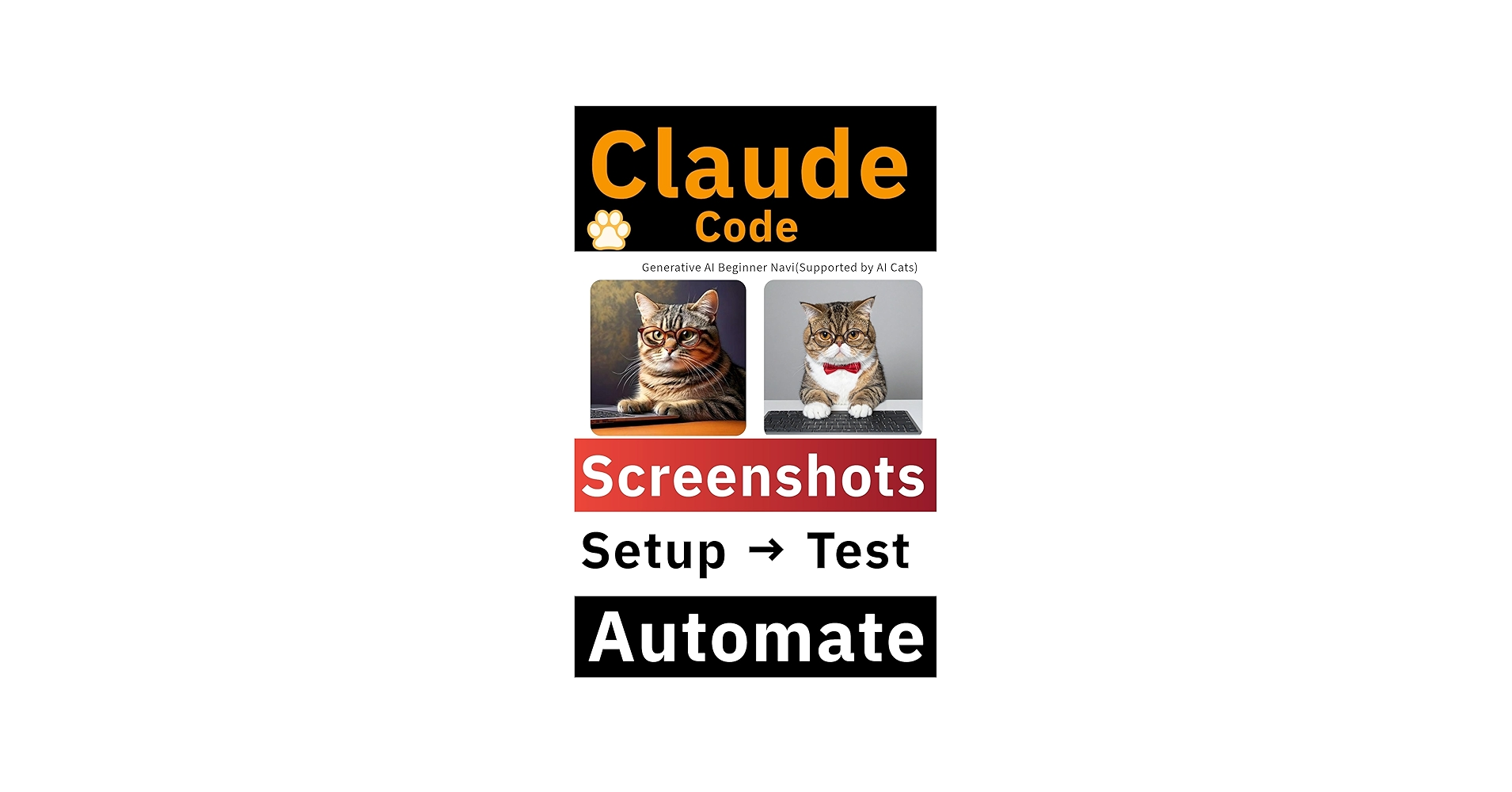


Book 5 — Auto-Generate Architecture Diagrams & Flowcharts | For Developers & Tech Leads
**Drawing architecture diagrams and flowcharts by hand is the worst part of technical documentation.**
Screen transition maps, process flows, system diagrams — they take hours to make and go out of date immediately.
This book teaches you how to describe your system in plain text and let Claude Code generate the diagrams for you using Mermaid syntax and Draw.io.
**What you will be able to do after reading:**
– Generate architecture diagrams from plain text descriptions
– Create flowcharts and screen transition maps automatically
– Keep your technical docs up to date without redrawing diagrams by hand
**Perfect for:** developers, tech leads, software architects, anyone who hates making diagrams manually



Important Notes on Generative AI
Thank you for reading to the end! Indeed!
Please use generative AI with care. Enjoy it responsibly!
- Always verify AI responses.
- Reason: AI can give incorrect information.
- Solution: Cross-check with multiple sources.
- Do not enter personal or confidential information.
- Reason: Input may be used for training or stored, creating a risk of leaks.
- Examples: Do not enter passwords, addresses, phone numbers, or internal documents.
- Check your organization’s rules before using AI at work.
- Reason: Rules vary by company or organization.
- Solution: Always ask your manager or check the guidelines first.
- Confirm whether commercial use is allowed.
- Reason: Each AI has different rules about commercial use.
- Solution: Always read the terms of use before proceeding.
- Check for copyright issues.
- Reason: AI-generated text or images may closely resemble existing works.
- Solution: Verify originality and rights before publishing or selling.


コメント